Chrome extension · Free to start
Your board, in its own colours
BoardKeep saves your Pinterest boards to your computer and works out the colours in them. You get palettes, swatch files, moodboards and a printable lookbook. Free to start.
No account. No card. Your pins stay on your computer.
How it works
From board to palette
01
Save the pins.
Save a board, a section or a search in one click, or pick pins one by one. Each pin keeps its link back to Pinterest.
Silken Chocolate & Smoke Dragon
- Smoke Dragon#D4BBA9 · 32.4%
- Silken Chocolate#BF7F5C · 29.9%
- Bitter Chocolate#54271C · 14.6%
02
Open Studio.
Studio finds the main colours and builds a named palette, with hex codes and each colour's share of the pins.
Read here, in your browser. Your picture wasn’t uploaded.
03
Use it.
Make a moodboard, export swatches, or print an A4 or US Letter lookbook with a link under every picture.
Films
See BoardKeep at work
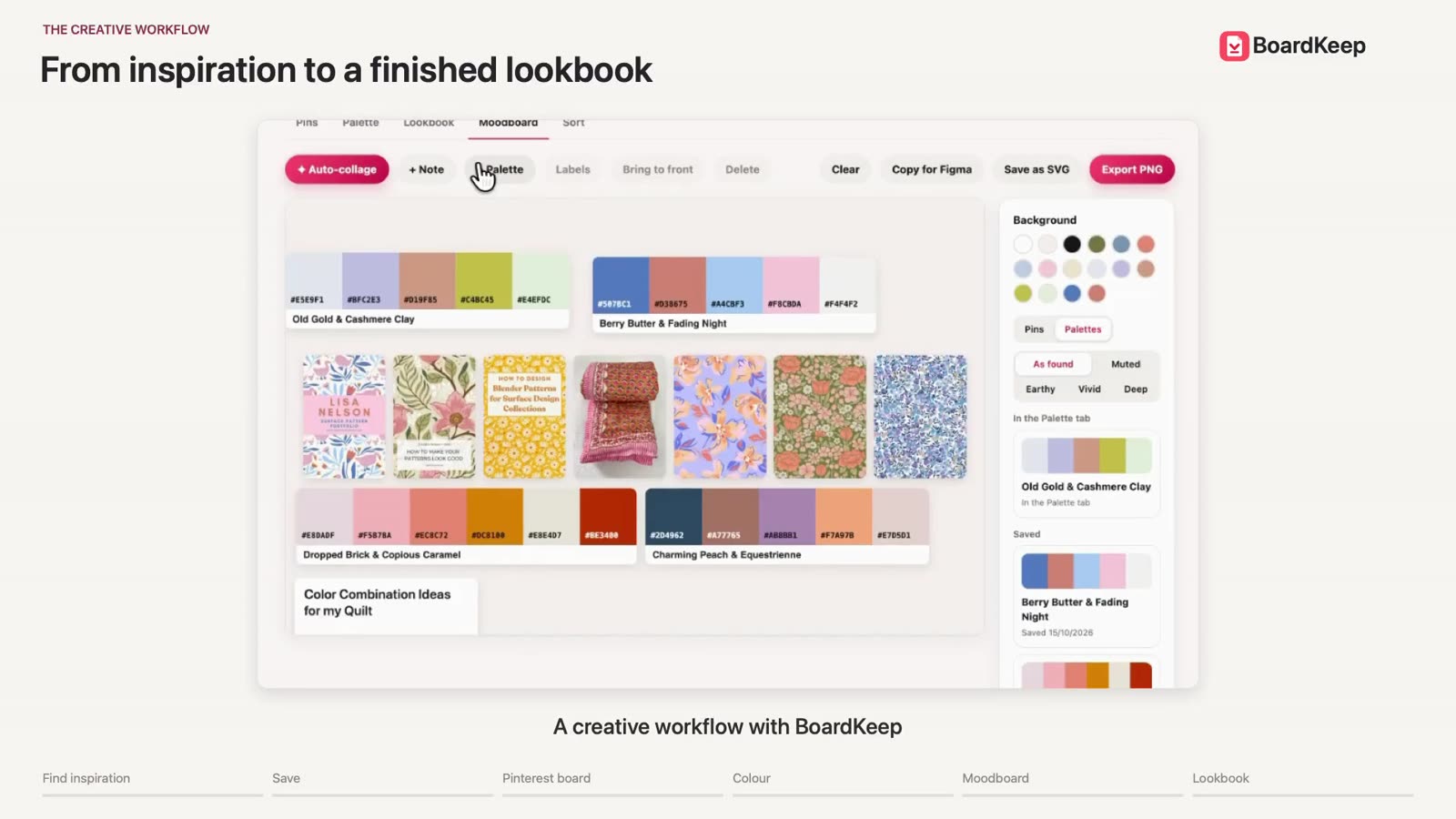
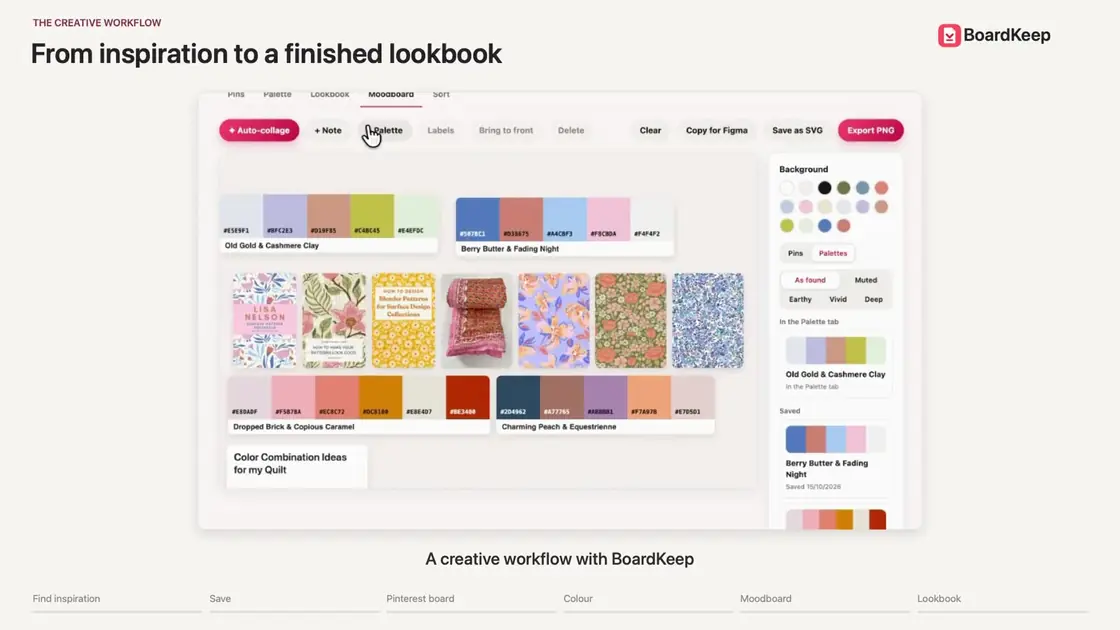 Walkthrough2½ min, with sound
In six chapters: find inspiration on Pinterest and pick the pins you like; save them to your computer; make a new Pinterest board from them; read their colours into a palette in Studio and try other harmonies and moods; lay pins, palettes and a note out on a moodboard; and export a lookbook PDF with a palette page.
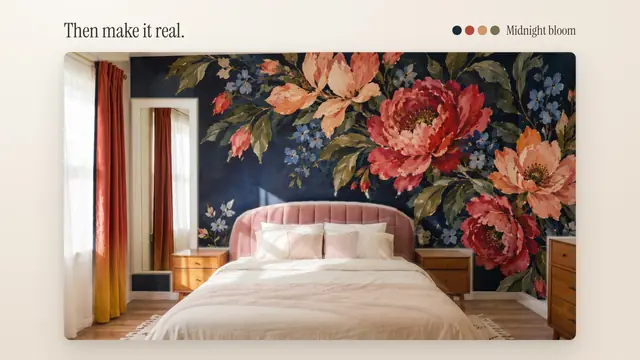 Promo1 min, music only
A one-minute film with music and no speech. A bedroom with a plain wall behind the bed. A woman sits on the bed and picks pins on her laptop. BoardKeep reads their colours, and the wall is drawn and painted three ways. The words on screen: A blank wall, and a bold idea. Where do you start? Start with what you love. Keep the walls that stop you. See the colours they share. Put the idea on one board. Then make it real. Or go deeper. Or let the sun in. Which wall is yours? BoardKeep: Make something yours.
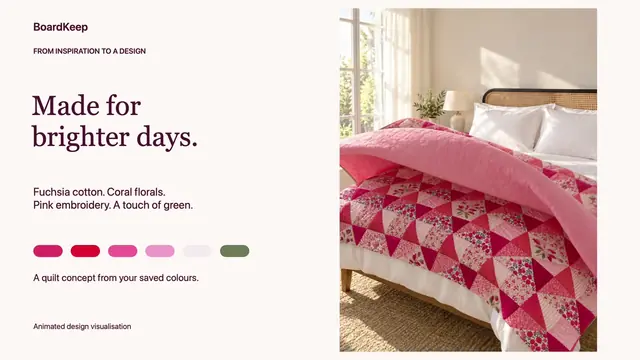 Inspiration film54 s, music only
A 54-second film with music and no speech. Someone searches Pinterest for raspberry pink cotton thread, picks the pins they like and saves them with BoardKeep. Studio turns their colours into a palette, gathers the pins on a moodboard and makes a lookbook. Then an embroidered quilt in those colours opens on a sunlit bed. The words on screen: Start with colours you love. Keep the pieces that inspire you. Bring your ideas together. Find your colour story. A little brighter. A little bolder. Gather your colours and textures. Keep your inspiration in a lookbook. Your threads. Your fabrics. Your starting point. Made for brighter days. Fuchsia cotton. Coral florals. Pink embroidery. A touch of green. A quilt concept from your saved colours.
Studio
What else Studio does
-
Swatch exports
.ase for Adobe apps, .gpl for GIMP, Inkscape and Krita. Click any colour to copy its hex code.
-
Colour groups
Blues and inks, rusts and corals, blush and pinks, greens, creams and neutrals, each with its count.
-
A moodboard in one click
Auto-collage with notes. Export it as a PNG or paste it straight into Figma.
-
Board Sync
Daily, weekly or monthly checks for new pins, or press Sync now.
*Chrome needs to be open.
-
Save it back to Pinterest
A collection becomes a new board on your own Pinterest, one pin at a time.
-
Backups
Your whole library in one file. Free backs up on demand; Pro backs up weekly.
Boards
Boards and their colours
-
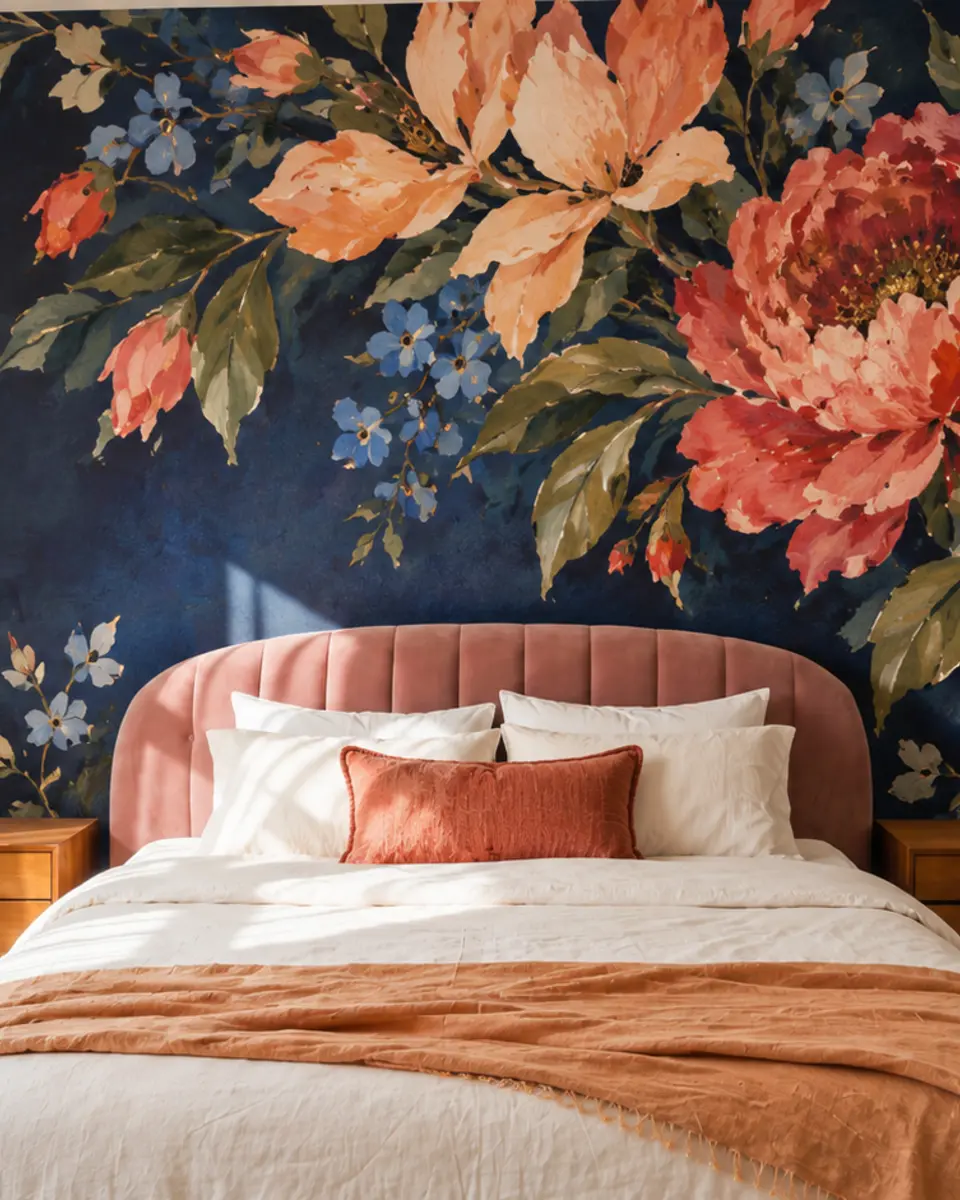
Midnight bloom
-
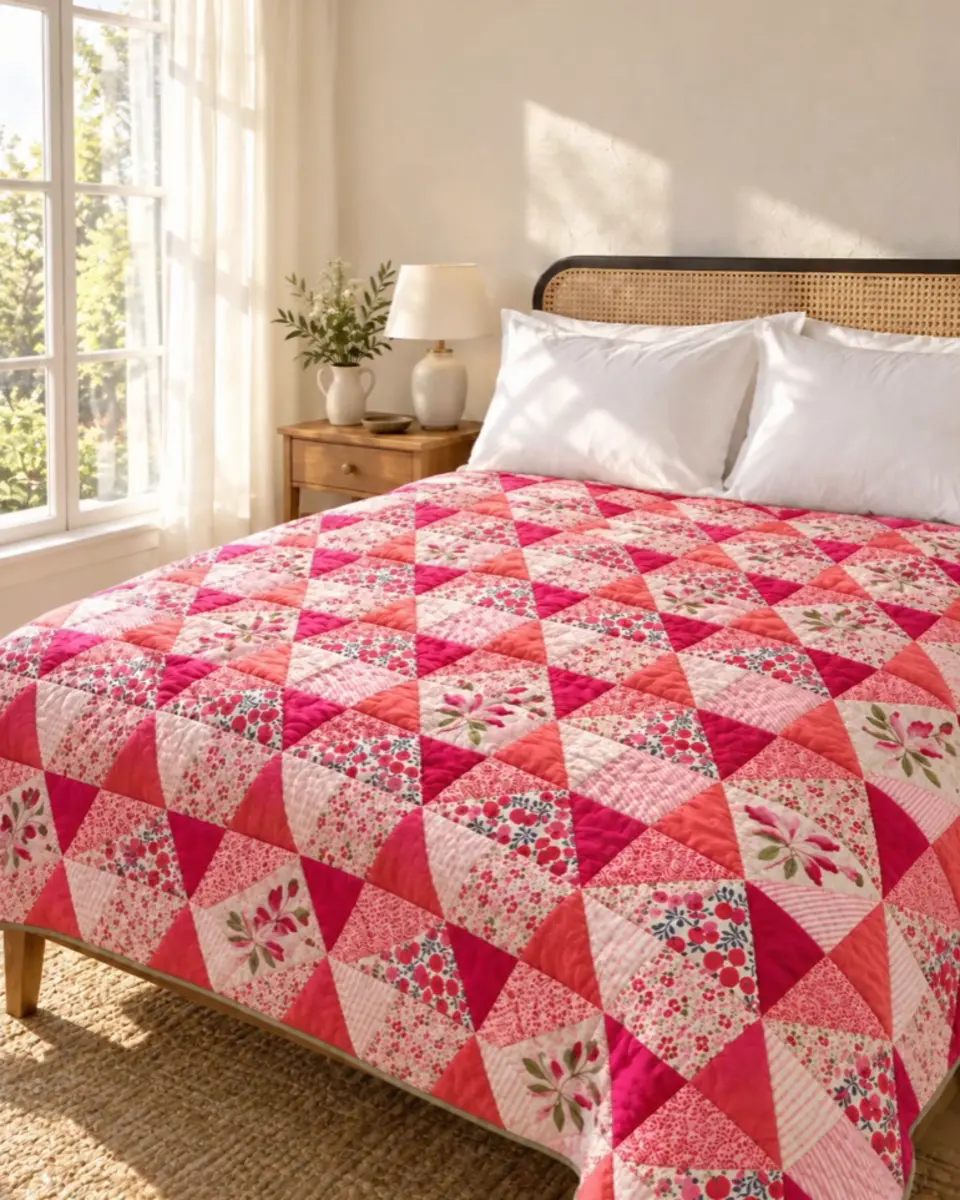
Made for brighter days
-

Ink & poppy
-
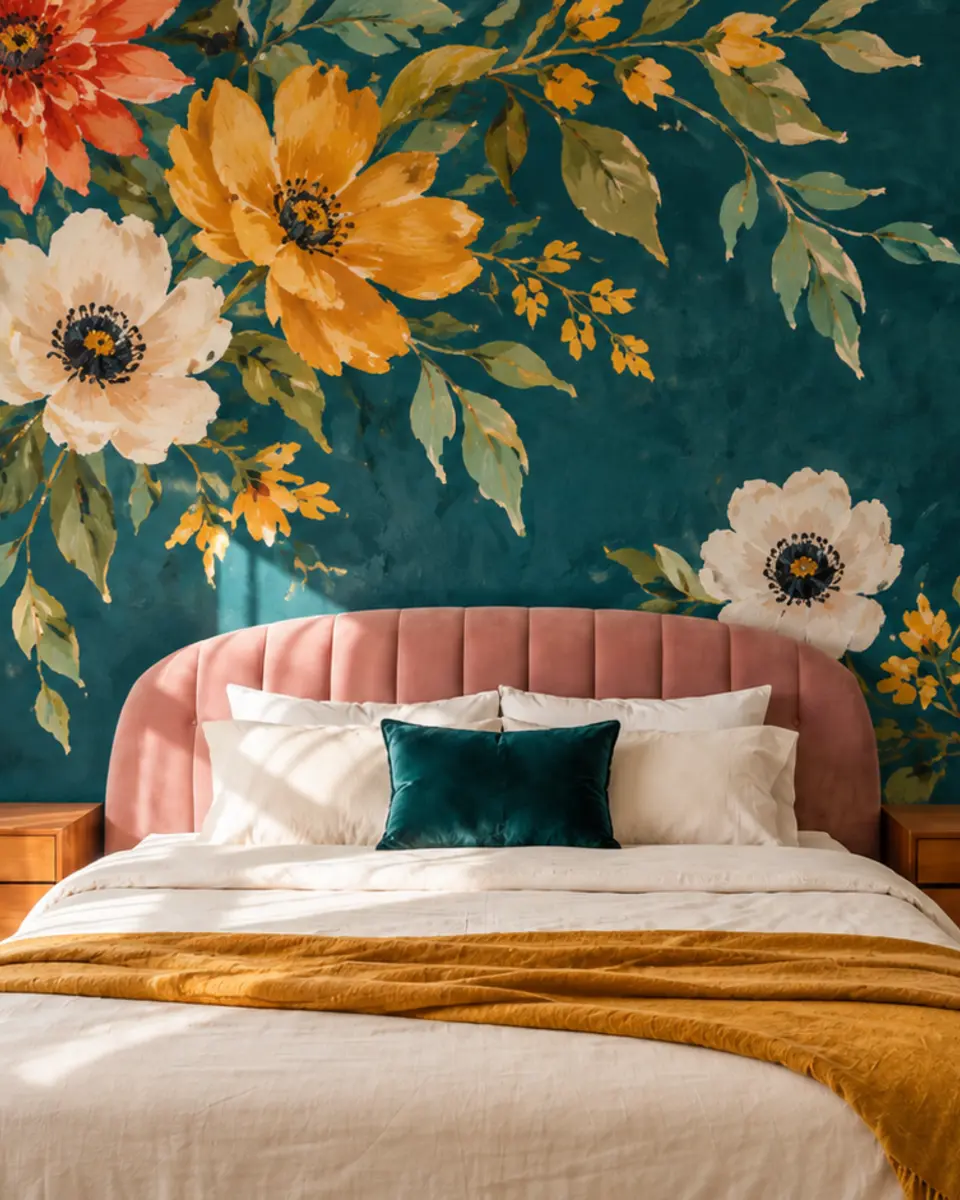
Teal sun garden
-
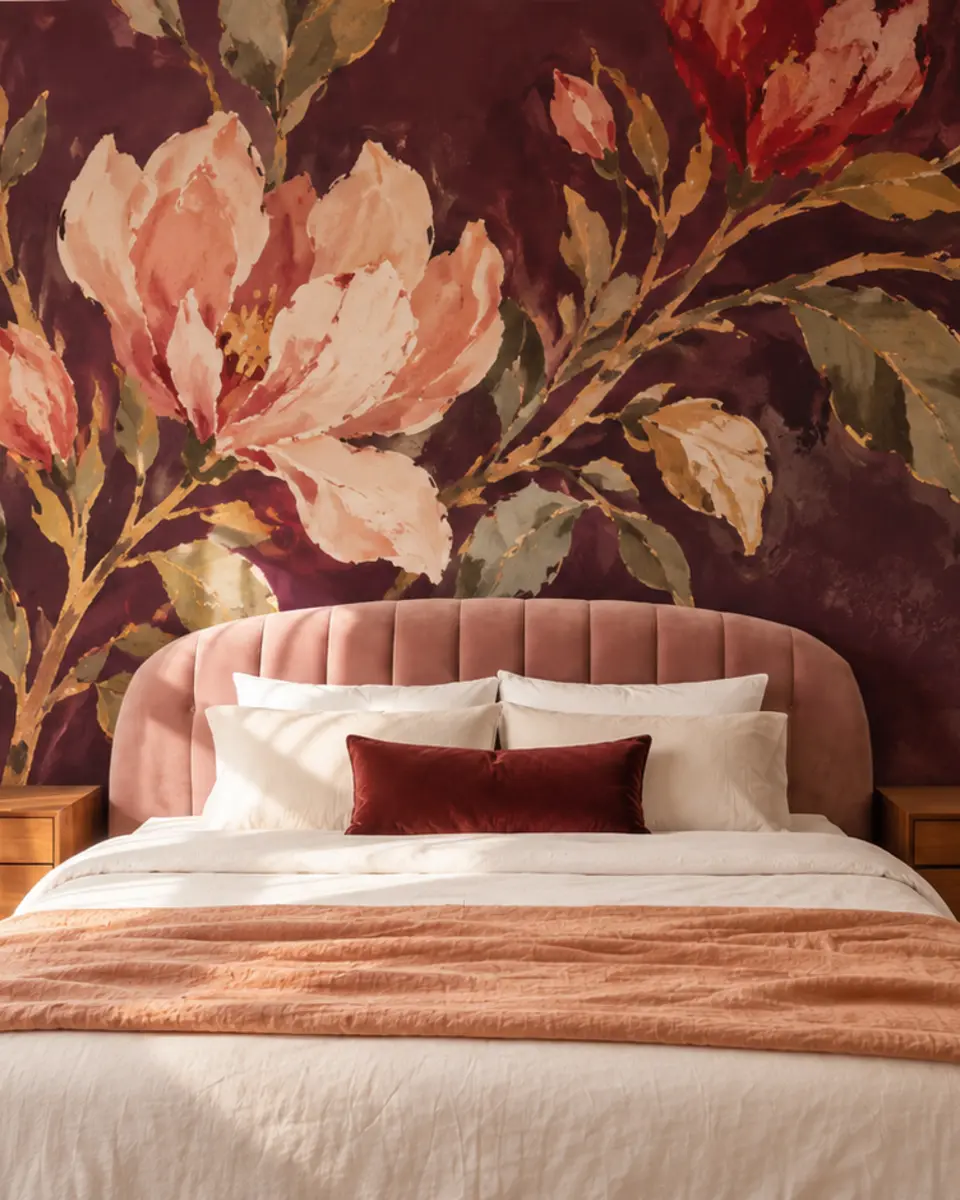
Aubergine orchard
-

Sunlit teal
-
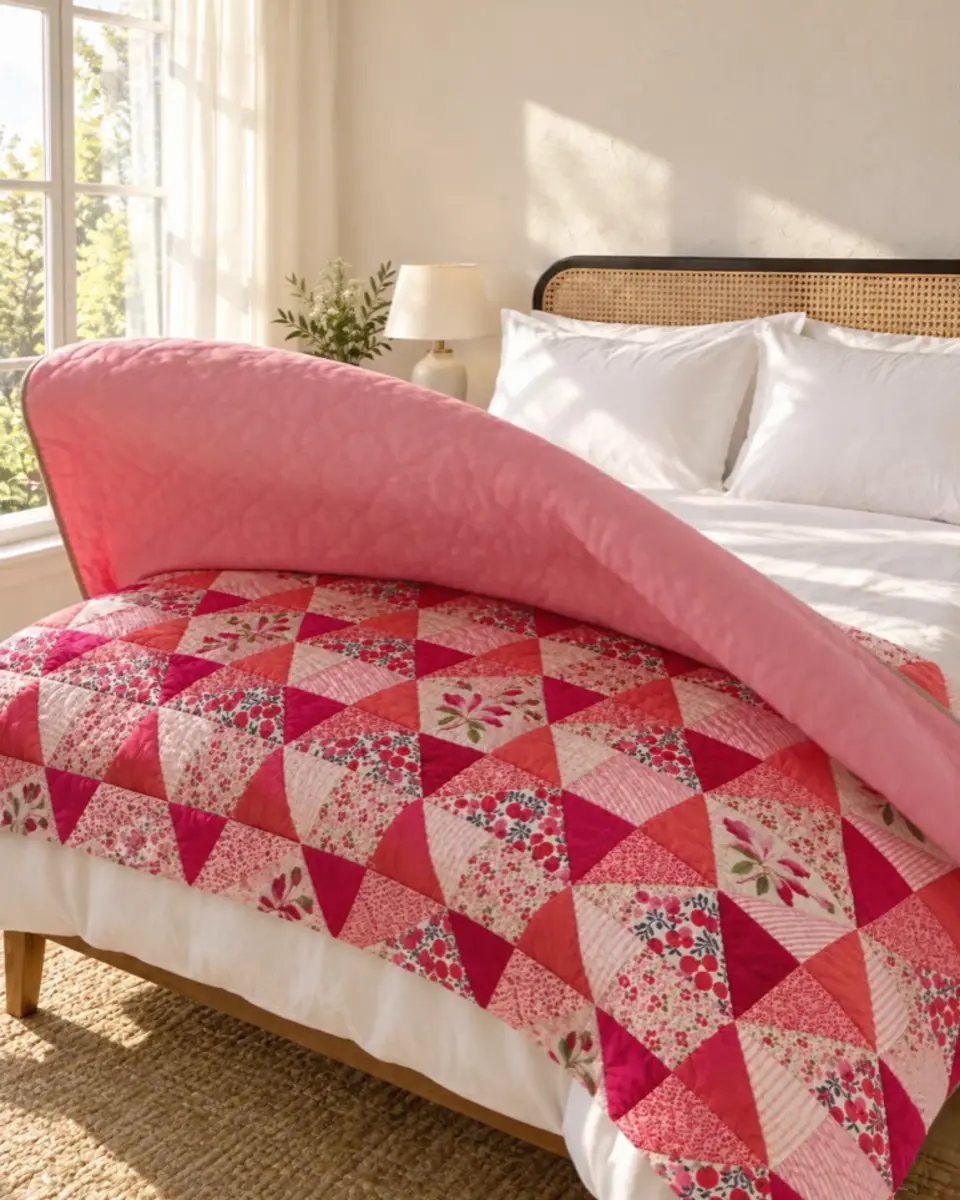
The quilt, turned back
-

Midnight garden
Pricing
Free to start. Pro when you want the whole board.
Free
$0no account, no card
- Single pins, without limit
- Up to 10 pins a day from boards
- Backups on demand
Pro
Three-day free trial, no card needed
$29a year · or $59 once, lifetime, for a limited time
- Whole-board saving
- All Studio features, lookbooks up to 300 dpi
- Saving to Pinterest
- Board Sync* and weekly backups
*Board Sync runs while Chrome is open. Local taxes may apply.
Get ProGood to know
Questions people ask
Is BoardKeep affiliated with Pinterest?
No. BoardKeep works with Pinterest and is not affiliated with, or endorsed by, Pinterest.
Do I need an account?
No. Free needs nothing at all. Pro is a licence key that works on one computer at a time.
Does anything get uploaded?
No. Colours are read on your computer. The only thing that leaves it is a pin you choose to save back to your own Pinterest.
What happens when the trial ends?
BoardKeep drops back to the Free plan. Everything you have saved stays on your computer.
How do refunds work?
Refunds within 14 days, no questions asked. How refunds work.
Who makes BoardKeep?
Soma Pym, in the United Kingdom. Say hello at [email protected].
Open one of your boards, click once, and see its colours.
Available now in the Chrome Web Store. Three days of Pro are free, no card needed.